What Is an SSL Certificate

SSL Certificate

In today’s digital world, website security is no longer optional. Whether you run a business website, blog, portfolio, or e-commerce store, having an SSL Certificate is essential for security, trust, and search engine ranking.

In this article, you’ll learn:

  • What SSL is
  • How SSL works
  • Why SSL is important
  • Problems caused by not using SSL
  • Free vs Paid SSL
  • How to set up SSL easily
SSL Certificate

What Is an SSL Certificate?

SSL stands for Secure Sockets Layer. It is a security technology that encrypts the data transferred between a website and its visitors.

In simple terms:

SSL protects your website with a secure lock 🔒

When SSL is installed:

http://example.com ❌
https://example.com ✅

SSL Certificate


How Does SSL Work?

When a visitor opens your website:

  • 1 SSL encrypts the data
  • Hackers cannot read or steal information
  • Login details, contact forms, and payment data stay secure

SSL creates a secure connection between the browser and the server.

2. SEO and Google Ranking

Google has officially confirmed that:

Websites with SSL rank higher in search results

Websites without SSL may:

  • Lose rankings
  • Get less organic traffic

3. Visitor Trust

Without SSL, browsers show warnings like:

⚠️ Not Secure

This can:

  • Scare visitors away
  • Increase bounce rate
  • Reduce conversions and sales

4. Required for E-commerce Websites

If your website accepts:

  • Payments
  • User registrations
  • Passwords

Then SSL is mandatory.

Types of SSL Certificates

1. Free SSL Certificates

Examples:

  • Let’s Encrypt
  • Cloudflare SSL

✔ Free of cost
✔ Good for blogs and small websites
❌ No warranty or brand trust

2. Paid SSL Certificates

Examples:

  • GoDaddy SSL
  • DigiCert
  • Sectigo

✔ Higher trust level
✔ Warranty included
✔ Best for business websites
❌ Expensive

WordPress speed optimization guide 100% Fix

speed up WordPress website

WordPress website slow

improve WordPress performance

WordPress caching plugin

WordPress image optimization

WordPress website speed guide

WordPress speed optimization is one of the most important factors for online success. If your WordPress website loads slowly, visitors will leave, Google will rank you lower, and your business or blog will suffer. Many beginners think speeding up a WordPress website is very technical, but the truth is — anyone can improve website speed by following the right steps.

In this complete guide, you will learn why WordPress websites become slow and how to speed them up easily, even if you are a beginner.

Why WordPress Speed optimization Is Important

speed up WordPress website

WordPress website slow

improve WordPress performance

WordPress caching plugin

WordPress image optimization

WordPress website speed guide

A fast website is not just a luxury, it is a necessity.

Here are some reasons why speed matters:

  • Visitors expect a website to load within 2–3 seconds
  • A slow website increases bounce rate
  • Google uses page speed as a ranking factor
  • Faster websites get more traffic and conversions
  • Slow sites lose trust and credibility

If your WordPress website is slow, you are already losing visitors and potential clients.

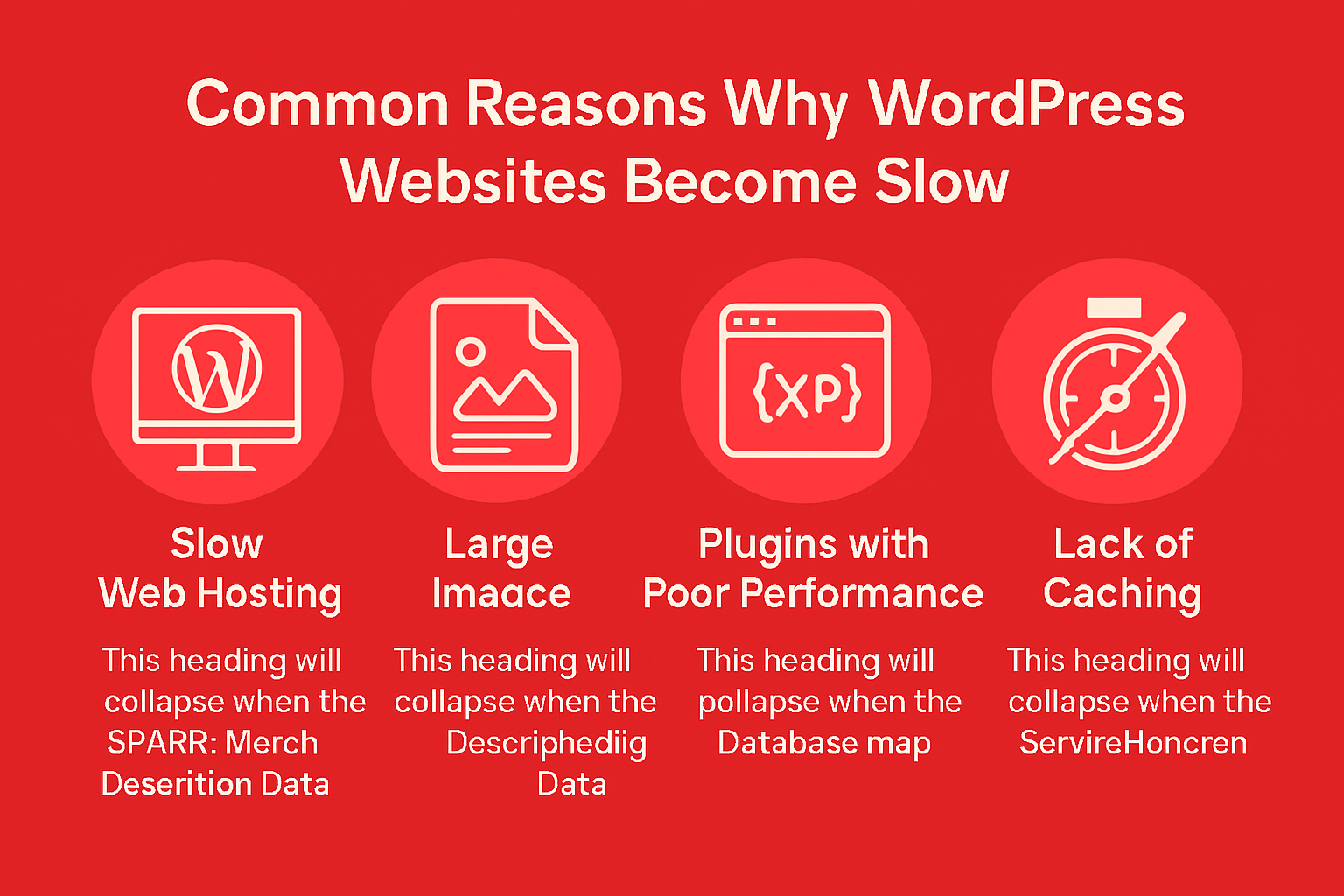
Common Reasons Why WordPress Websites Become Slow

speed up WordPress website

WordPress website slow

improve WordPress performance

WordPress caching plugin

WordPress image optimization

WordPress website speed guide

1. Large and Unoptimized Images

Uploading high-resolution images without compression is the number one reason for slow websites.

2. Too Many Plugins

Every plugin adds extra code. Unnecessary or poorly coded plugins slow down your site.

3. Poor Quality Hosting

Cheap hosting with limited resources can make your website slow no matter what you do.

4. No Caching

Without caching, WordPress loads everything again and again for every visitor.

5. Heavy Theme

Some themes look beautiful but are very heavy and badly optimized.

6. No CDN

Visitors from different countries experience slow loading without a Content Delivery Network.

Website speed optimization Step-by-Step Guide

Now let’s fix the problem properly.

1. Choose a Fast and Lightweight Theme

2. Optimize Images Properly

3. Use a Caching Plugin (Must)

4. Remove Unnecessary Plugins

5. Optimize Database Regularly

6. Minify CSS, JavaScript, and HTML

7.Use a Free CDN (Highly Recommended)

8. Choose Better Hosting

9.Keep WordPress Updated

10. Test Website Speed Regularly

Final Thoughts

Improving WordPress speed Improving WordPress speed optimization is not a one-time task — it is an ongoing process. By optimizing images, using caching, removing unnecessary plugins, choosing good hosting, and using a CDN, you can significantly improve your website performance.

A fast WordPress speed optimization

  • Ranks better on Google
  • Keeps visitors happy
  • Builds trust
  • Increases conversions

If you want professional help to speed up your WordPress website, regular maintenance and optimization can save you time and money in the long run.

🚀 Need Help with WordPress Speed Optimization?

Is your WordPress website loading slowly and losing visitors?
A slow website not only frustrates users but also hurts your Google rankings and conversions. Fixing speed issues without proper experience can be time-consuming and risky.

That’s where I can help.

I provide professional WordPress speed optimization services to make your website faster, smoother, and SEO-friendly.

✅ What I Will Do for Your Website

  • Full WordPress speed analysis
  • Image optimization & WebP setup
  • Cache & performance plugin configuration
  • CSS, JavaScript & database optimization
  • Hosting & server performance check
  • Core Web Vitals improvement
  • Free speed report (before & after)

    🎯 What You Will Get
  • Faster loading time (2–3 seconds)
  • Better Google PageSpeed score
  • Improved SEO rankings
  • Lower bounce rate
  • Better user experience
  • More trust & conversions

    ⭐ Why Choose Me?
  • Beginner-friendly & honest service
  • 100% manual optimization (no shortcuts)
  • SEO & security focused approach
  • Affordable pricing for small businesses
  • Clear communication & support
  • I don’t just optimize speed — I help your website perform better for real users and search engines.


Call Now Button