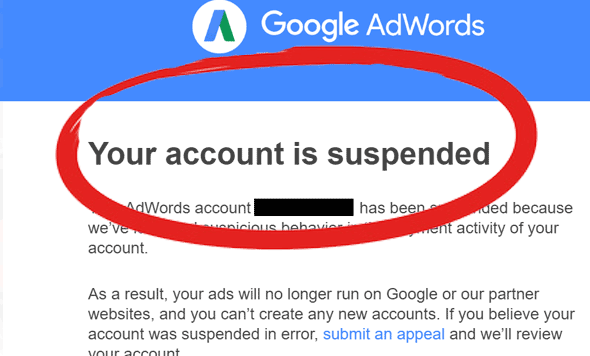
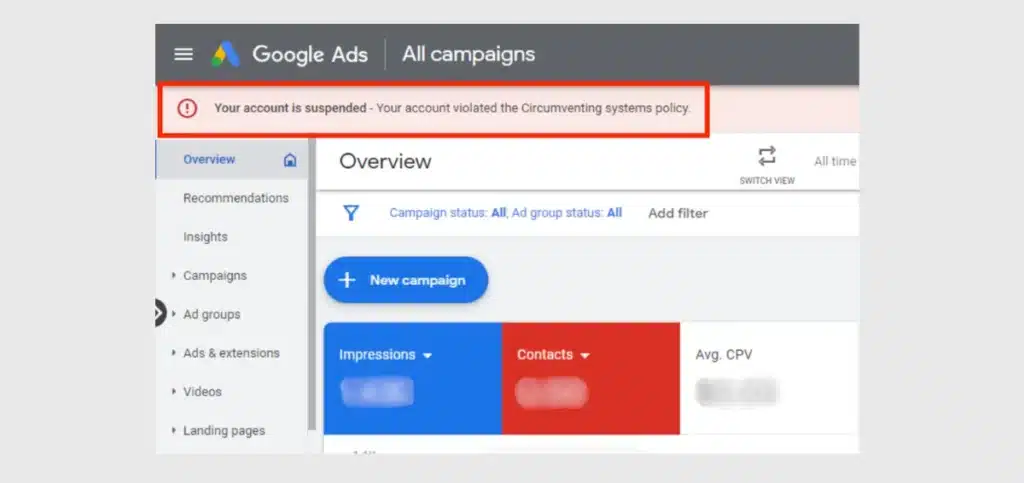
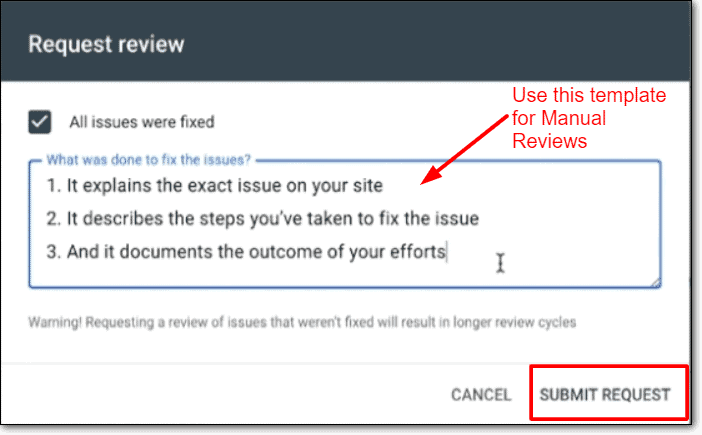
Your Google Ads account appears to be suspended due to a policy-related issue. I will review your website, fix any policy violations, clean security issues if needed, and submit a professional appeal to Google for reinstatement.
✔ Review Google Ads policies carefully ✔ Fix website issues (SSL, malware, redirects) ✔ Remove misleading or prohibited content ✔ Submit a professional appeal via Google Ads
💼 Need Help?
I help businesses review their websites, fix policy issues, and submit strong appeals to recover suspended Google Ads accounts.
📩 Contact now to restore your ads and start running campaigns again!
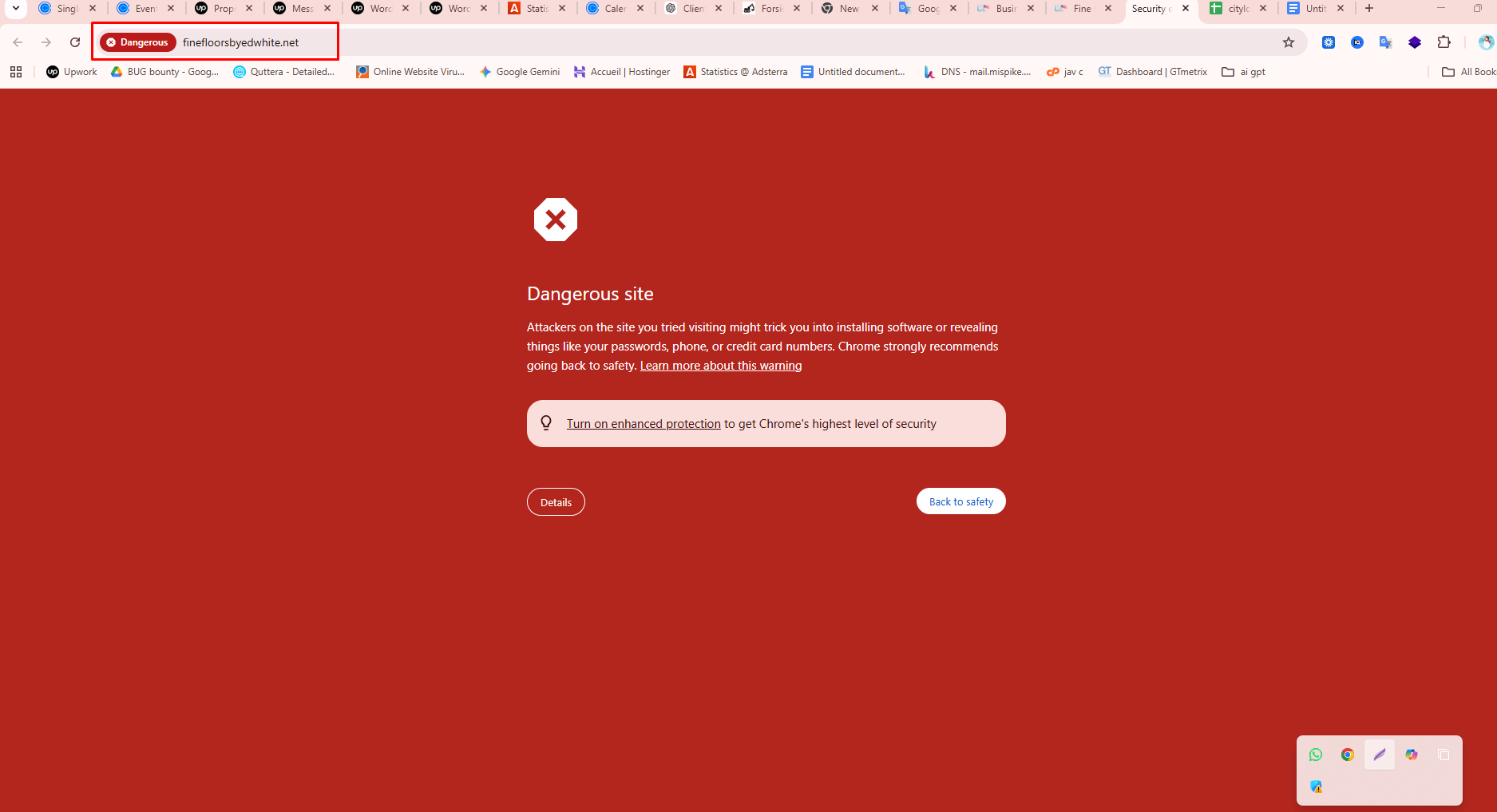
Google Safe Browsing is a security system developed by Google that detects malware, phishing, and harmful websites to protect users. If suspicious activity is found on a site, Google displays a warning message to keep visitors safe.
The website is now fully cleaned and secured. We are currently waiting for Google’s review process to complete. Once approved, the warning message will be automatically removed.
WordPress speed optimization is one of the most important factors for online success. If your WordPress website loads slowly, visitors will leave, Google will rank you lower, and your business or blog will suffer. Many beginners think speeding up a WordPress website is very technical, but the truth is — anyone can improve website speed by following the right steps.
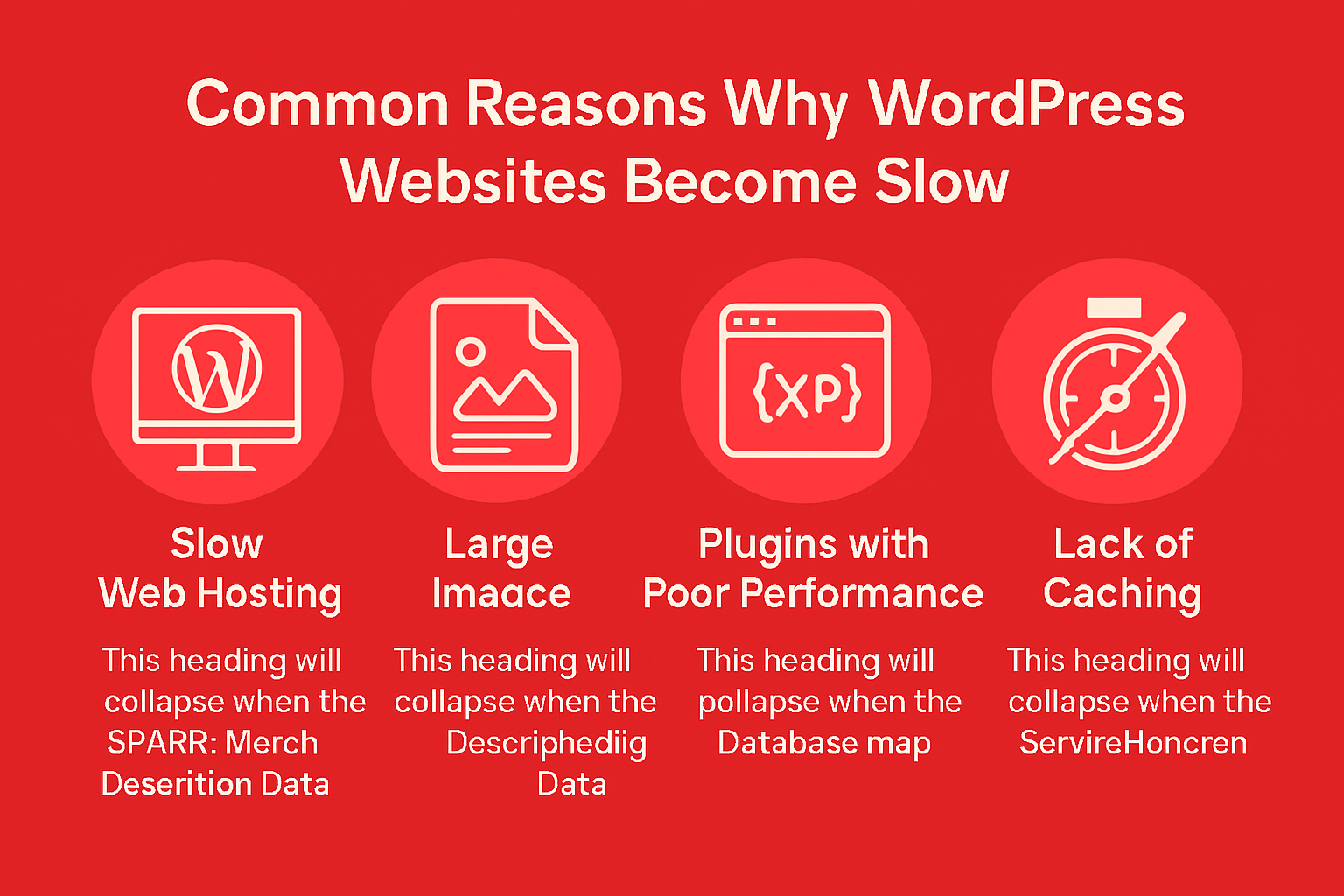
Improving WordPress speed Improving WordPress speed optimization is not a one-time task — it is an ongoing process. By optimizing images, using caching, removing unnecessary plugins, choosing good hosting, and using a CDN, you can significantly improve your website performance.
A fast WordPress speed optimization
Ranks better on Google
Keeps visitors happy
Builds trust
Increases conversions
If you want professional help to speed up your WordPress website, regular maintenance and optimization can save you time and money in the long run.
🚀 Need Help with WordPress Speed Optimization?
Is your WordPress website loading slowly and losing visitors? A slow website not only frustrates users but also hurts your Google rankings and conversions. Fixing speed issues without proper experience can be time-consuming and risky.
That’s where I can help.
I provide professional WordPress speed optimization services to make your website faster, smoother, and SEO-friendly.
✅ What I Will Do for Your Website
Full WordPress speed analysis
Image optimization & WebP setup
Cache & performance plugin configuration
CSS, JavaScript & database optimization
Hosting & server performance check
Core Web Vitals improvement
Free speed report (before & after)
🎯 What You Will Get
Faster loading time (2–3 seconds)
Better Google PageSpeed score
Improved SEO rankings
Lower bounce rate
Better user experience
More trust & conversions
⭐ Why Choose Me?
Beginner-friendly & honest service
100% manual optimization (no shortcuts)
SEO & security focused approach
Affordable pricing for small businesses
Clear communication & support
I don’t just optimize speed — I help your website perform better for real users and search engines.
WordPress Malware Building a website requires significant time, effort, and financial investment. However, a single moment of negligence can lead to a WordPress Malware attack, destroying your hard work overnight. In today’s blog, we will explore how WordPress Malware enters your site, the devastating impact it has on your business, and why it is the biggest threat to your SEO rankings.
1 . Common Entry Points: How WordPress Malware Infects Your Site
Hackers are always poking around, hunting for weak spots. Here’s where they usually break through:
Outdated Themes & Plugins: This one’s huge. Old themes or plugins are loaded with holes hackers know how to exploit.
Weak Passwords: If your passwords look like “admin123” or “123456,” you’re practically rolling out a red carpet for brute force attacks.
Insecure Web Hosting: If you go cheap on hosting, you risk cross-site contamination. If one site on your server gets hacked, yours might be next.
Nulled or Cracked Resources: Those “free” premium themes and plugins? They almost always come with nasty surprises—hidden scripts ready to infect your site.
Infected Local Computer: Sometimes, the problem starts on your own computer. If it’s infected, hackers can steal your login details and sneak WordPress malware onto your server.
WordPress Malware isn’t just a little tech headache—it’s a business disaster. Here’s how it hits you where it hurts
🔴Google Blacklisting Google doesn’t mess around with user safety. If it finds malware, your site gets slapped with a scary “This site may be hacked” warning or disappears from search results. Your traffic? Gone.
🔴 SEO Rankings in the Gutter Malware loves to hijack your SEO. Suddenly, your site starts ranking for weird or illegal stuff think Japanese SEO spam or phishing pages. Search engines lose all trust in your site.
🔴 Customers Lose Trust Fast People see a “Not Secure” or “Deceptive Site” warning, and they bolt. Most won’t ever come back. Fixing your reputation after a hack is brutal.
🔴 Site Slows Down & Gets Suspended Malware scripts can send spam emails or mine crypto in the background, sucking up your server’s power. Your site drags, and your host might even suspend your account.
🔴 Data Theft & Privacy Nightmares If you handle customer info—emails, passwords, payment details—malware can steal it and hand it straight to hackers. Now you’re facing legal headaches and lost money.
🔴 Malicious Redirects A classic sign: visitors get bounced to scammy, adult, or gambling sites. It’s a quick way to wreck your credibility.
How to Tell If Your Site’s Infected
Watch for these warning signs:
Your site keeps redirecting to weird links.
Random pages or posts pop up in your dashboard.
Google Search Console flashes security alerts.
Your server usage spikes out of nowhere.
Antivirus software flags your site as dangerous.
Conclusion: Don’t Wait for Disaster—Protect Your Site Now WordPress malware can wipe out years of work before you even notice. Security isn’t optional. Update your plugins, use strong passwords, and invest in solid hosting. These basics keep everything standing.
Worried about your site’s security? Whether you’ve already been hacked or just want peace of mind, we can help. Our team offers WordPress Malware Removal and Security Hardening services. Reach out, and let’s lock down your digital world.
Are you looking for a WordPress security expert to recover your Fix hacked WordPress website or malware remove in your infected website ?
WordPress malware and Fix hacked WordPress in 24 hours or less.
Are you looking for a WordPress security expert to recover your Fix hacked WordPress website or malware remove in your infected website ?
we will remove WordPress malware and Fix hacked WordPress in 24 hours or less.
we can remove malware OR remove virus from your WordPress as well as maintain strict WordPress security .Then it can be protected against future malware attacks and no malware removal experts
My Services:
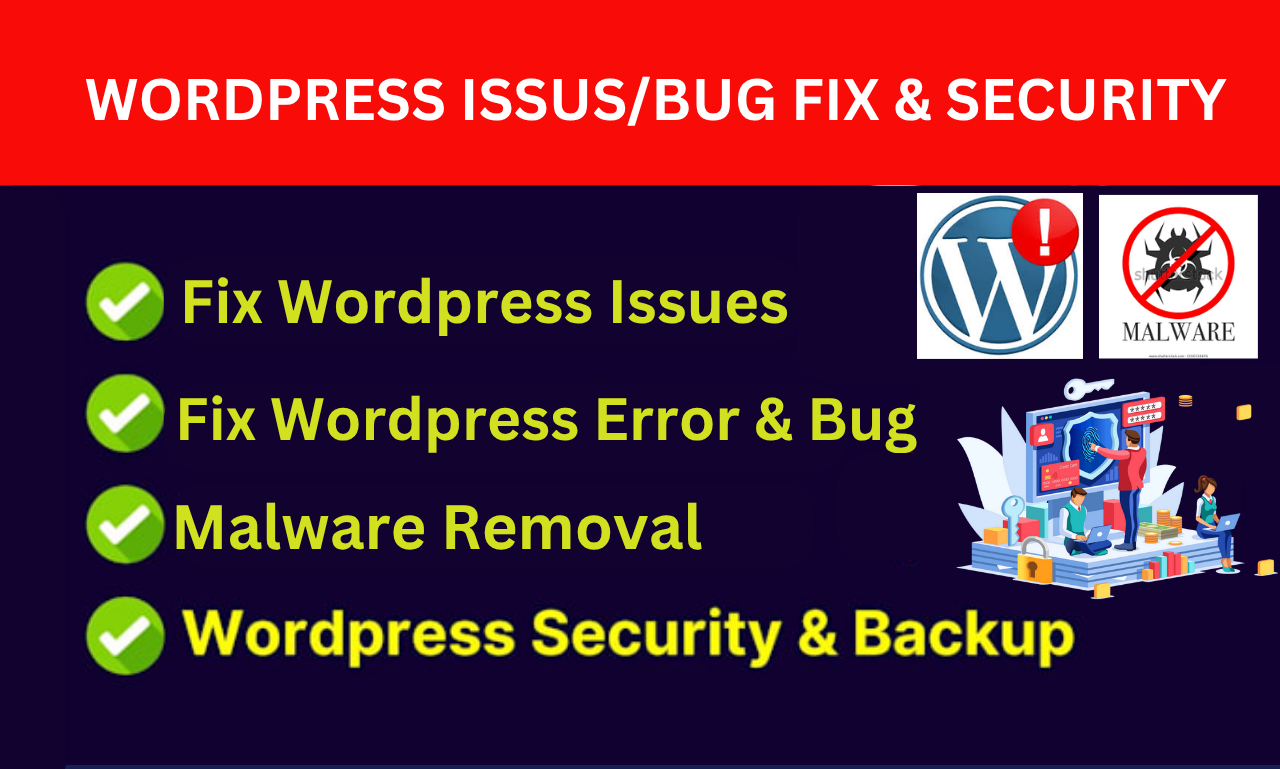
Complete malware remove from hacked
Removing Google Chrome/Firefox blacklist warning Red Screen)
Cleaning malware from (cPanel) and hosting servers
Remove malware from hacked web sites
Protects against malware and provides security
Fix hacked redirect to other site
Remove from Blacklist
Removing Malware or remove virus from Server(C-Panel)
Clean malware
database & login security
Adding SSL certification
Remove malware Back doors
Why Choose our ?
6 + years of experience in WordPress malware remove & website security
Are you looking for a WordPress security expert to recover your Fix hacked WordPress website or malware remove in your infected website ?
I will remove WordPress malware and Fix hacked WordPress in 24 hours or less.
I can remove malware OR remove virus from your WordPress as well as maintain strict WordPress security .Then it can be protected against future malware attacks and no malware removal experts
SEO spam Japanese spam, is a common website security issue that mainly affects WordPress websites. In this attack, hackers secretly inject spam pages, links, or posts into a website without the owner’s permission. Most of these spam pages contain Japanese text and promote fake products, gambling content, or suspicious links.
The main goal of SEO spam is to misuse your website’s authority and Google trust to rank spam pages. If not fixed quickly, it can seriously damage your website’s SEO, traffic, and online reputation.
SEO spam Japanese Spam ” is another name for the process that involves black hat SEO as done by hackers. In these cases, hackers don’t work towards forming their own sites but rather hack other sites by adding invisible pages, links, or posts. Invisibility occurs as these pages remain invisible to humans but visible to search engine sites, such as Google.
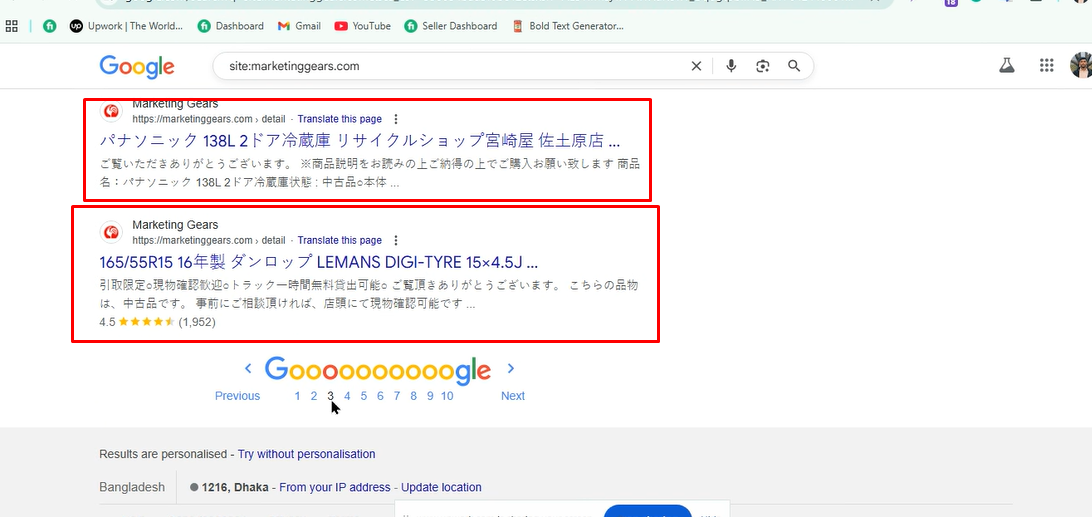
When a person searches for something on Google, they might find your website listed with Japanese titles and descriptions, though your website is completely irrelevant to Japanese content.
Among the common reasons that make a site vulnerable to SEO guest blogging malware are:
Weak Passwords
Ease of guessability of password in hosting, WordPress admin, or FTP accounts can give hackers entry easily.
Outdated WordPress, Themes, & Plugins
Usually, the older version has some security bugs. Hackers search for such websites on the Internet and access them automatically.
Nulled or Cracked Themes & Plugins
Free pirated themes or plugins may contain hidden malware or backdoors that can give hackers access to your site.
4. Poor File Permissions
File If file permissions are not proper on a server, they can be utilized by attackers to upload harmful files.
Hidden Backdoors
Hackers might have left hidden scripts on your website that could reinfect the site even after the cleanup.
Typical Characteristics of Spam Messages Related to Japan
Signs to look for in order to determine whether a website is SEO spam include the following:
Japanese text shown as a Google search result
Direct URLs, for example /jp/, /product-12345.html, and
An overnight change to low website traffic and positions
Google Search Console – “Security Issues” Warnings
Slow or redirected traffic on your website SEO Spam Japnaese Spam You can quickly verify this on Google with the search: site: If it has Japanese content, your site is probably hacked.
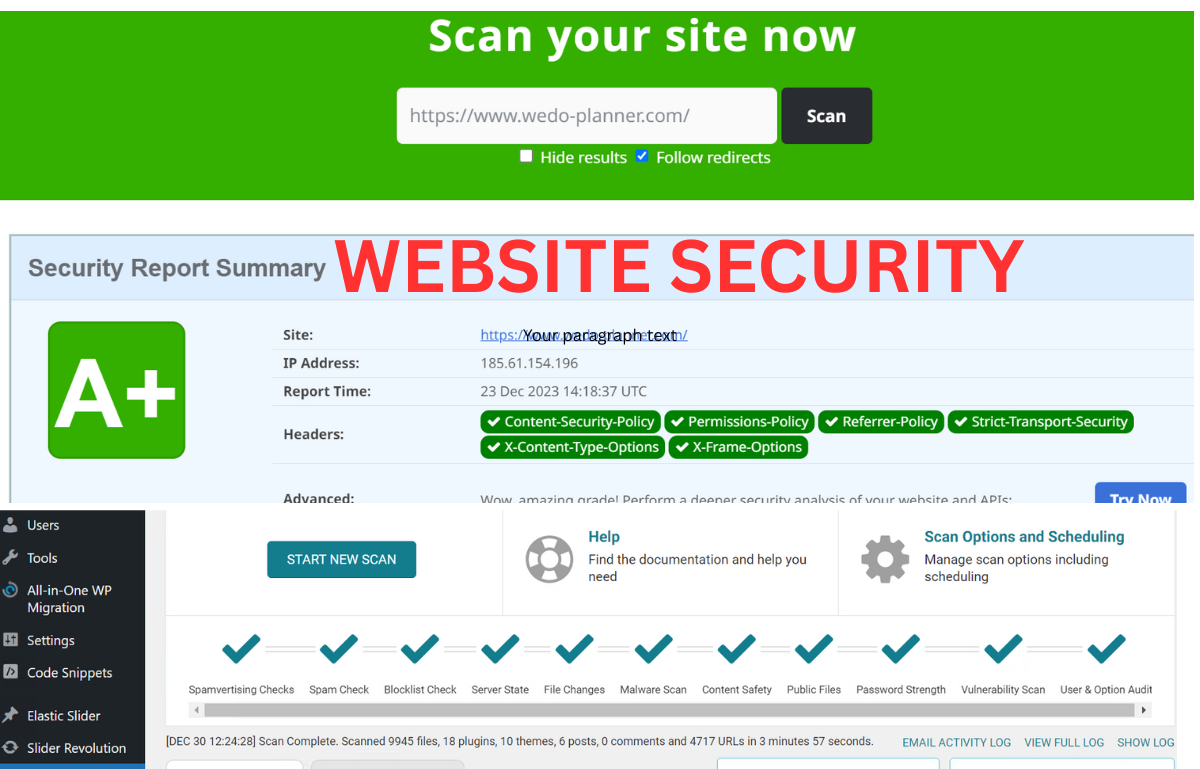
Install a security plugin such as Wordfence or Sucuri and perform a full scan. Alternatively, check to see if your hosting provider offers malware scanning.
Removing Suspicious Files
Look for unknown .php files, especially in:
/wp-content/uploads/
/wp-includes/
/wp-admin/
Not seeing a file you don’t recognize? Delete it.
Reinstall WordPress Core Files
Download a fresh copy of WordPress and re-upload all the core files except the wp-content folder.
Cleanse Database
Carefully look for spam keywords or hidden links in the wp_posts and wp_options tables and remove them.
Prevention is always better than recovery. Follow these best practices:
Keep WordPress, themes, and plugins updated
Never use nulled or pirated software
Enable two-factor authentication (2FA)
Take regular website backups
Use a trusted security plugin
Limit admin access and user roles
Regular monitoring can help detect problems early before serious damage occurs.
Final Thoughts
SEO spam Japanese spam is a common but dangerous issue for website owners. It silently attacks your site, damages your SEO, and puts your online reputation at risk. The good news is that with proper security practices, regular updates, and timely cleanup, you can fully recover and protect your website from future attacks.
When a person searches for something on Google, they might find your website listed with Japanese titles and descriptions, though your website is completely irrelevant to Japanese content.
Website Security In today’s internet age, a website has become one of the most prized possessions for any business, brand, or individual. A website is your identity on the internet and also acts as a tool for reaching your customers. With an increasing importance of websites, they also tend to become a lucrative target for hackers, malware, and attacks on the website. Therefore, website security has become the need of the hour.
One breach in security can harm reputation, lead to loss of data, and even cause financial loss. In this article, we will define website security, its importance, threats, and measures you can take in order to ensure that your website is safe.
Website security is the practice put in place to ensure the protection of websites against the dangers posed by hacking, malware, unauthorized access, data theft, and disruptions. Its purpose is to ensure the safety, functionality, and integrity of the website for the users, including the owner.
Website security safeguards the following:
Website files and databases User data and personal information
Many site owners may believe that hackers target large corporations. However, small and medium sites get compromised more, as they generally have less stringent security.
These are some of the most important reasons for website security:
Safeguards Your Data
Your website may contain data that is considered sensitive, such as login credentials, customer information, or payment details. A breach can compromise this data, which may cause dire implications.
Maintains Customer Trust
Your website will be trusted by the visitors as soon as they recognize that it is a secure site. Any hacking or flagging of your site by browsers will immediately make your visitors leave.
No Website Downtime
Cyber-attacks may result in your website becoming sluggish, malfunctioning, or being inaccessible altogether. This loss translates to lost traffic, lost sales, or lost revenue.
Search engines such as Google penalize websites that are either hacked or have malware. This may result in your site ranking low or even falling off the search results pages.
Saves Time and Money
Repairing the damage on the hacked website tends to cost more time and effort compared to the cost of prevention.
By recognizing common risks, one can prepare accordingly to avoid them.
Malware infections
Malware Malware, or malicious software, can be injected into your site. This may cause visitors to be redirected, display spam messages, or steal data.
Brute Force Attacks
Hackers attempt thousands of combinations for your log-in credentials to try to gain access to your admin area.
Attackers use vulnerable forms or URLs in order to gain access to or modify your database.
Cross-Site Scripting (
Malicious scripts are embedded into your site to target your web visitors.
Outdated Software
Older versions of Content Management System, themes, or plugins can possess known security holes.
Essential Website Security Practices
These are the most effective methods for securing your site:
Employ Strong Login Credentials
Always use strong and distinct usernames and passwords. Refrain from using easy-to-remember names like “admin” and simple passwords.
Keep Everything Updated
To
Make it a point to keep your CMS, like WordPress, themes, and plugins up-to-date. This will include security patches.
Installing an SSL Certificate
It encrypts the data between the website and the users. It also displays the secure ‘https’ symbol.
Utilize a Web Application Firewall (WAF)
A firewall prevents harmful traffic from reaching your Web site.
Regular Security Scanning
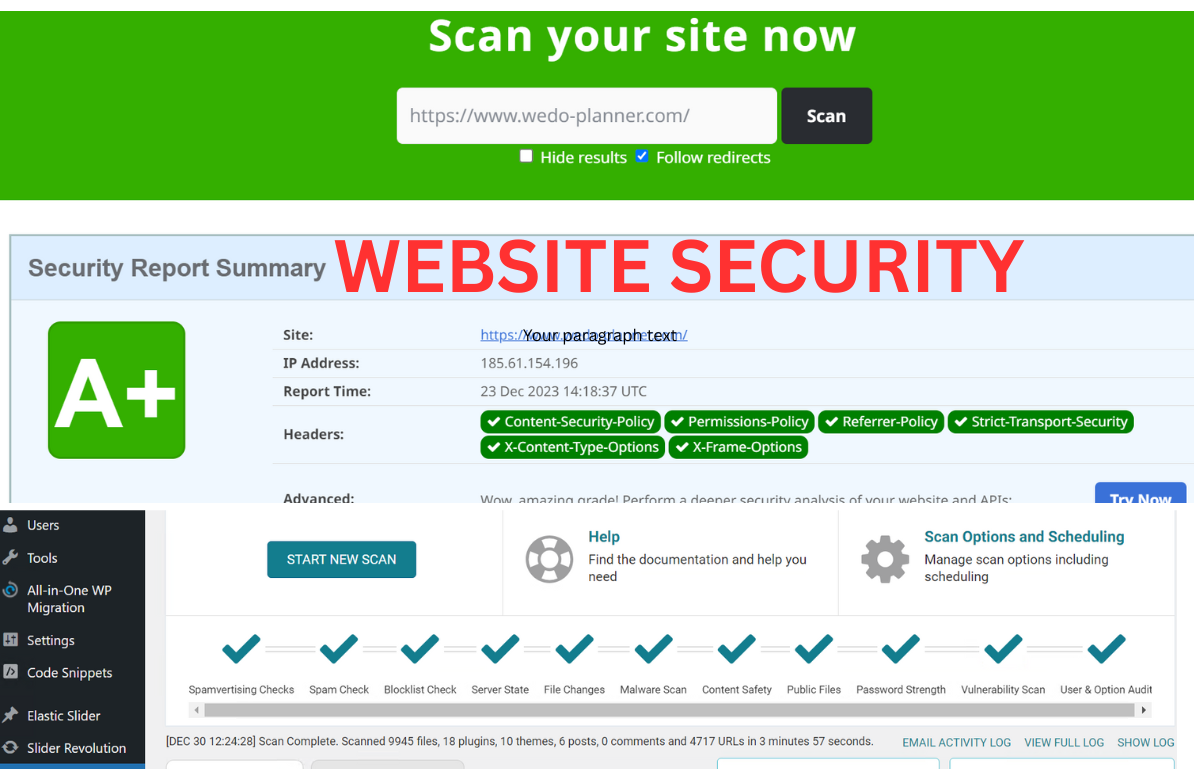
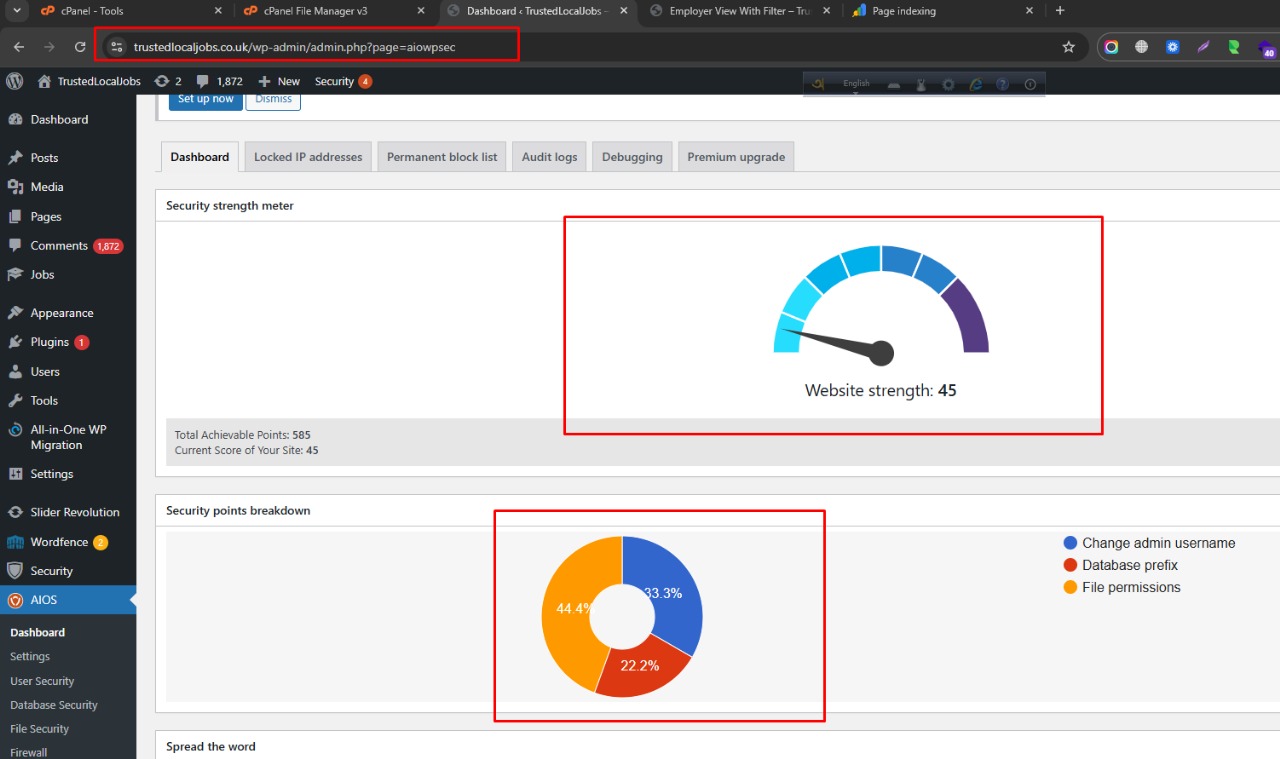
Regular scans are helpful in identifying malware or malicious activity at an early stage before any harm can be caused.
BACKUP Your Website
Always maintain a backup. If anything happens, it will be easy to restore your site.
WordPress Website Security
Millions of websites rely on WordPress. This has made WordPress the focus of many hacks. But WordPress is very secure when it is maintained well.
WordPress security best practices are:
Using trusted themes & plugins
Removing Unused Plugins & Themes
Controlling Login Attempts
Setting Correct File Permissions
Employing reputable security plugins
If properly configured, WordPress can offer the same level of security as any other content management system.
Expert Website Security Solutions
In certain cases, simple security measures may not suffice, especially when you already have compromised or hacked website. This is when the importance of website security services comes into play.
A professional security service may:
Eliminate malware and malicious code
Recover hacked websites
Improve Website Security Settings
Establish Firewalls and Defense Systems
Keep monitoring your website
It is a universal wish for every parent that their children remain safe and healthy at
Signs Your Website May Be Compromised
You need to act right away if you see:
Rapid traffic declines
Unusual website redirection to unknown pages
Links sent via spam on your website
Browser security alerts Quickly
Unusual admin activity Not respecting these indications could lead to deterioration.
Final Thoughts
Website Security: Security on a website is not merely a tech aspect but an absolute necessity in business. Website Security shields not only your data but also your visitors, and most importantly, your reputation. Be it your own blogging site, business page, or e-store, Website Security is amongst the wisest investments you will make. If you adhere to the best practices and opt for professional security services, you are assured that your website remains secure, stable, and reputable. Preventive measures are always preferable, and with an secure website, you are free to do what matters, i.e. develop your online presence.